Serving Kitchener, Waterloo, Cambridge, and GuelphLocally owned and operated250+ five-star reviewsClean Paws GuaranteeNo contractsAll waste removed, includedTools and boots sanitized between yardsFully insured and WSIB coveredBackground-checked, trained & uniformed crewServing Kitchener, Waterloo, Cambridge, and GuelphLocally owned and operated250+ five-star reviewsClean Paws GuaranteeNo contractsAll waste removed, includedTools and boots sanitized between yardsFully insured and WSIB coveredBackground-checked, trained & uniformed crew
The Poop Valet homeBuild Your Service!
ez-clean synthetic grass application guide
Back to all ez-clean guides

ez-clean application guide

Help turf smell like the outdoors.

How to apply ez-clean to synthetic grass and pet-friendly turf areas.

The synthetic grass guide focuses on helping the product pass between the turf blades and into the material below, where organic messes can collect.
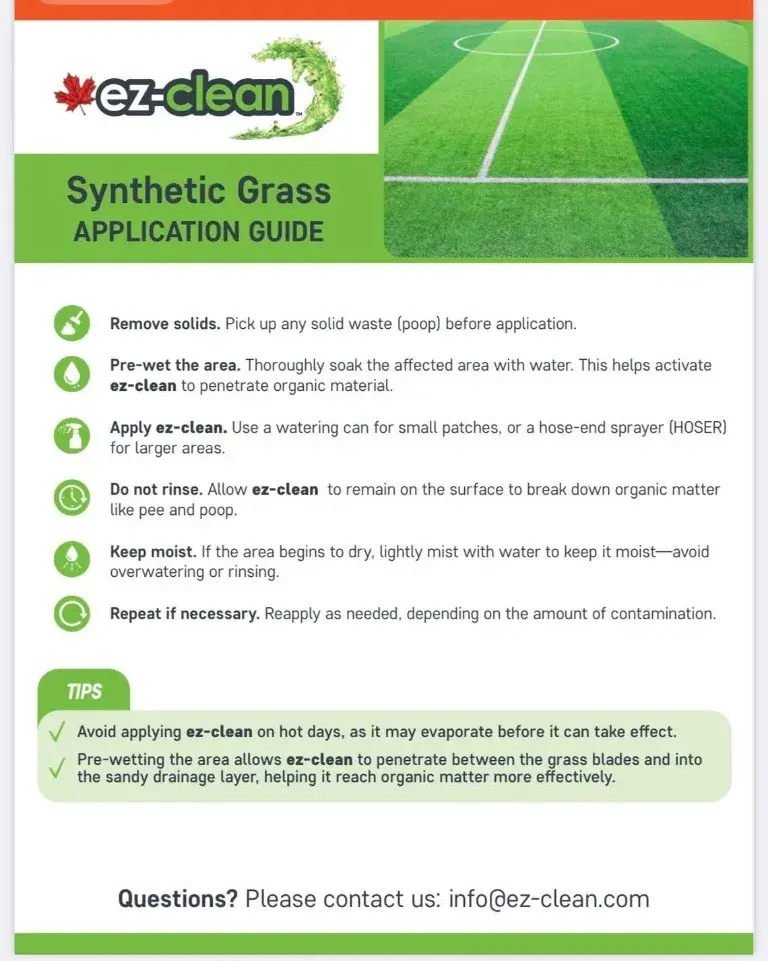
ez-clean synthetic grass application guide
Synthetic Grass Application Guide

How to apply

  1. 01

    Remove solids

    Pick up any solid waste before application.

  2. 02

    Pre-wet the area

    Thoroughly soak the affected area with water to help ez-clean penetrate the organic material.

  3. 03

    Apply ez-clean

    Use a watering can for small patches or a hose-end sprayer for larger areas.

  4. 04

    Do not rinse

    Leave ez-clean on the surface so it can work on organic matter such as pet urine and waste.

  5. 05

    Keep it moist

    If the area begins to dry, lightly mist with water. Avoid overwatering or rinsing.

  6. 06

    Repeat if needed

    Reapply as necessary, depending on the amount of contamination.

Getting started takes just minutes.

Schedule Your First Visit

Clean Paws Guarantee • No contracts • Off-site waste removal • Background-checked crew • Locally owned

The Poop Valet mascot giving a thumbs up